AI Documentation for Mental Health and Therapy Notes
On this page
- What AI documentation actually does for therapists
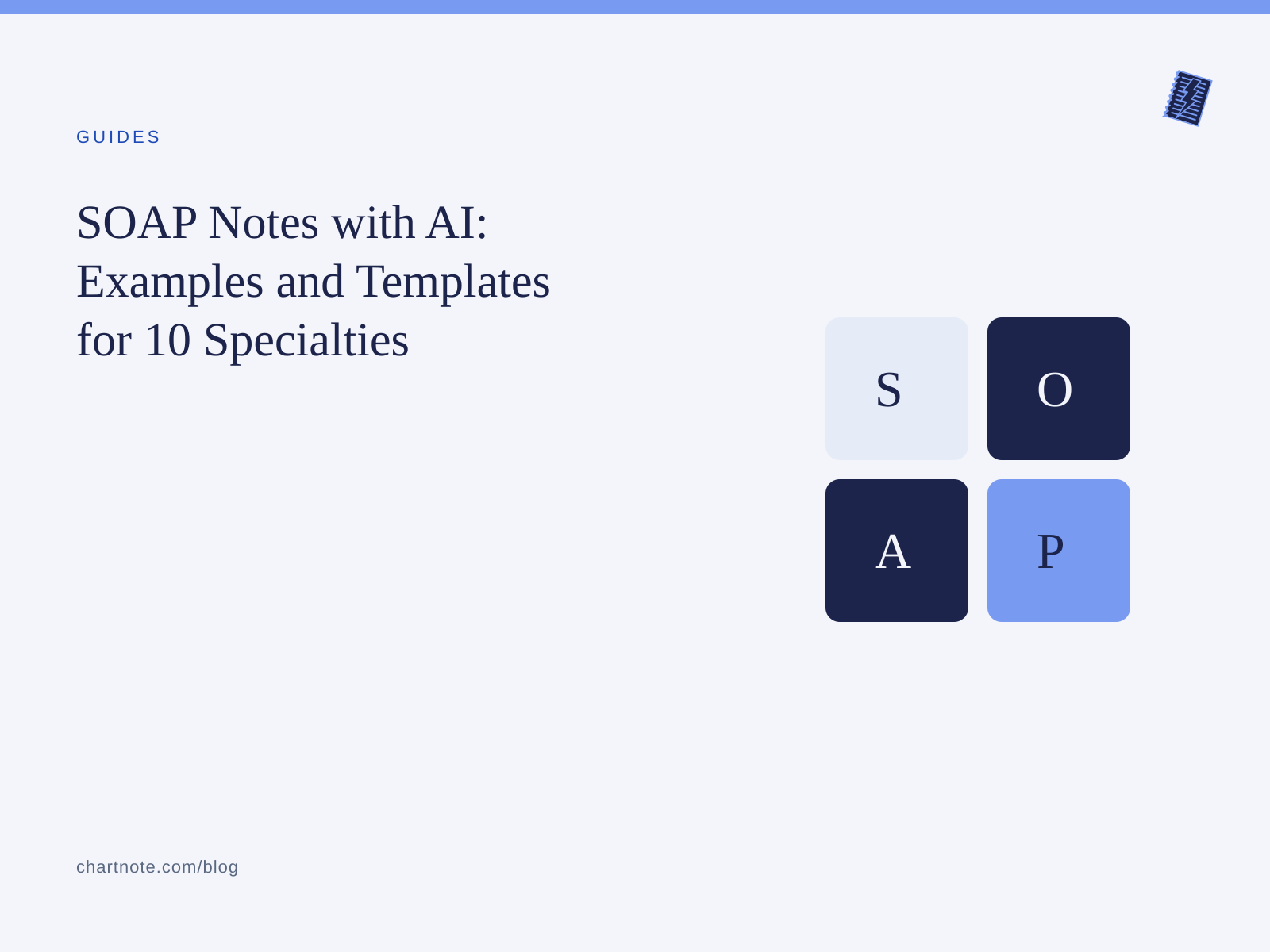
- Progress note formats: SOAP, DAP, and BIRP
- How AI handles each format
- The extra privacy layer in mental health
- Psychotherapy notes vs. progress notes under HIPAA
- 42 CFR Part 2 for substance use disorder records
- Consent for recording therapy sessions
- What to look for in an AI tool for therapy notes
- A therapist workflow that works
- Frequently asked questions
- Can I use an AI scribe for psychotherapy notes?
- Do I need my client’s consent to record a therapy session?
- Does Chartnote use my clients’ information to train AI?
- Can AI write DAP or BIRP notes, or only SOAP?
- What if a client says no?
- Spend your evenings on something other than notes
The note is still waiting after the last session of the day. You end up rebuilding a 50-minute conversation from memory, trying to capture risk, interventions, and progress precisely enough for the record and for payers, without writing down anything the client would be hurt to read.
AI documentation can take much of that work off your plate. Mental health also carries privacy stakes that a general-purpose AI tool wasn’t designed for. This guide covers both sides: how AI can help you write better progress notes faster, and the rules and safeguards you need in place first.
This article is general information, not legal advice. Privacy and recording laws vary by state and change often, so confirm your approach with your own counsel or compliance lead.
What AI documentation actually does for therapists
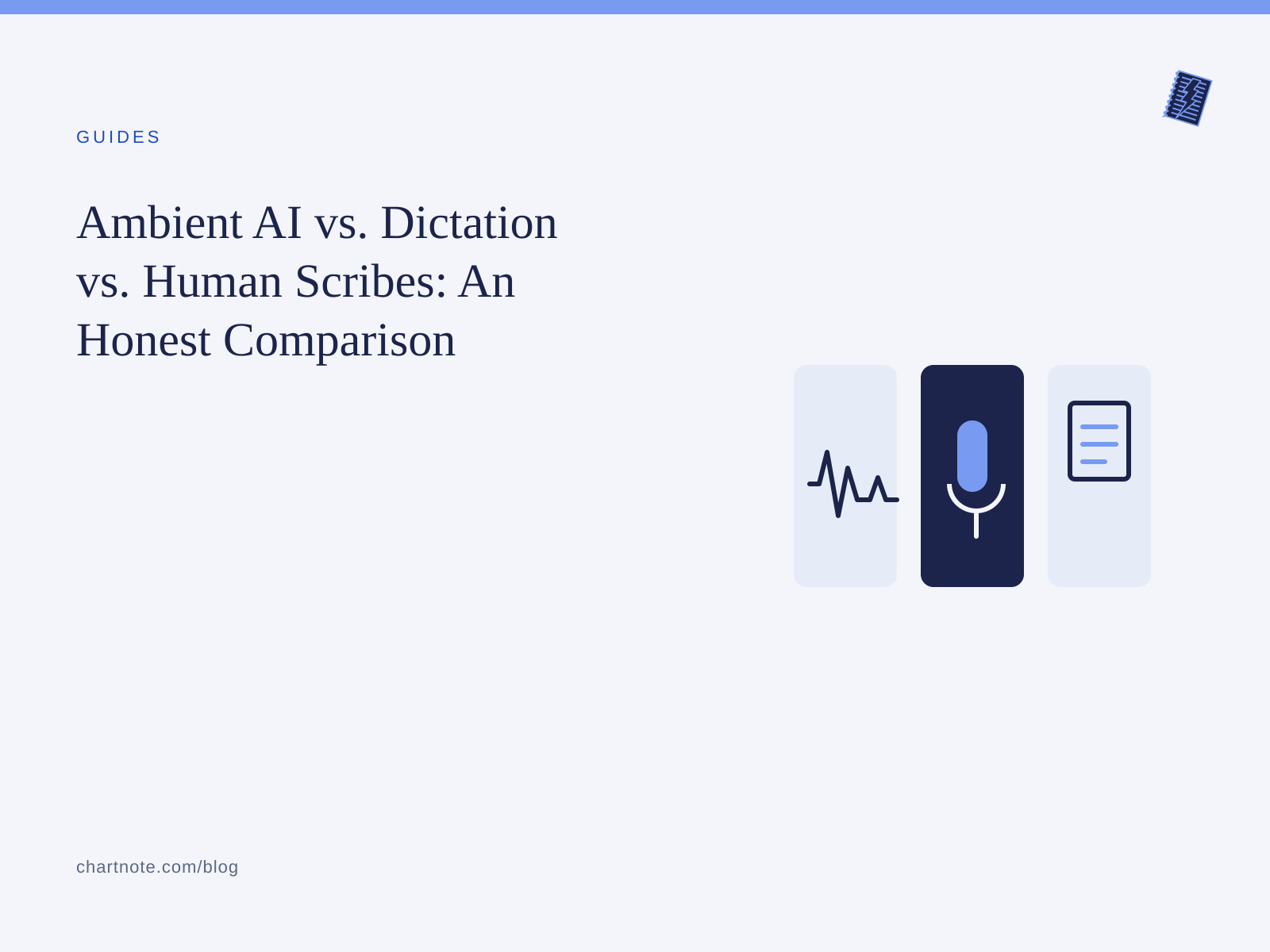
AI documentation tools usually work in one of two ways. The American Psychological Association’s guidance for evaluating AI scribes describes both:
- Ambient listening. With the client’s consent, the tool listens to the session and drafts a structured note from the conversation.
- Dictation or summary. Nothing listens to the session. After the client leaves, you dictate or type a short summary, and the AI turns it into the note format you use.
Many therapists start with the second: the session stays unrecorded, and most of the blank-page work still goes away.
Chartnote supports both. AI Scribe records the visit and drafts a structured note. Voice Chart lets you dictate a summary after the session and turns it into a polished, structured note. For telehealth sessions, AI Scribe has a Telehealth recording mode that captures audio from Zoom, Microsoft Teams, Doximity, Google Meet, and similar platforms.
Progress note formats: SOAP, DAP, and BIRP
Payers and auditors want medical necessity, interventions, the client’s response, and a plan. Every common format covers those in a different order.
| Format | Sections | Often used by | Strength |
|---|---|---|---|
| SOAP | Subjective, Objective, Assessment, Plan | Psychiatry, integrated care, medical settings | Familiar to medical colleagues and payers |
| DAP | Data, Assessment, Plan | Counselors, LCSWs, private practice therapists | Short and fast to write |
| BIRP | Behavior, Intervention, Response, Plan | Behavioral health agencies, CBT and skills-based work | Highlights interventions and the client’s response |
How AI handles each format
A good AI documentation tool doesn’t make you pick from a fixed menu. In Chartnote, Custom AI Note Templates let you define your own sections and subsections and give instructions for each one. A BIRP template, for example, can tell the AI to:
- Behavior: Use the client’s own words for the presenting concern, and record observable affect and behavior.
- Intervention: List the specific techniques used, such as cognitive restructuring, motivational interviewing, or a DBT skill.
- Response: Describe how the client engaged and what shifted during the session.
- Plan: Include homework, next-session focus, and the follow-up interval.
Chartnote’s help center includes a sample psychiatry note template that shows this level of detail. It has a structured mental status exam, a risk assessment covering suicide risk, homicide risk, and access to firearms, and a numbered treatment plan. You can adapt it for therapy or start from scratch. If you already have a note you like, Chartnote’s Doc Wizard can analyze a sample and generate template instructions that match your style.
The extra privacy layer in mental health
Psychotherapy notes vs. progress notes under HIPAA
This distinction matters most when you start using AI.
HIPAA generally protects all health information the same way. The one exception is psychotherapy notes. According to HHS, these are notes a mental health professional records to document or analyze a counseling session’s contents, kept separate from the rest of the medical record. With few exceptions, disclosing them requires the patient’s authorization, even for treatment by another provider (45 CFR 164.508(a)(2)).
What psychotherapy notes do not include is just as important. HHS excludes medication prescription and monitoring, session start and stop times, treatment modalities and frequencies, clinical test results, and summaries of diagnosis, functional status, treatment plan, symptoms, prognosis, and progress. All of that belongs in the progress note, which is part of the record.
What this means in practice:
- Use AI for the progress note. That’s the document payers, auditors, and other providers rely on, and it’s where structure saves you the most time.
- Keep process notes separate, if you keep them at all. Your private hypotheses and impressions about the therapeutic relationship lose their special status if they end up mixed into the progress note.
- Tell the AI what to leave out. A custom instruction like “Do not include verbatim personal disclosures unrelated to treatment goals” helps keep the progress note clinical and minimal.
42 CFR Part 2 for substance use disorder records
If you work in or with a federally assisted substance use disorder (SUD) program, 42 CFR Part 2 adds another layer of protection. HHS finalized a major update in 2024, and the compliance date was February 16, 2026. Key changes include:
- A single patient consent can now cover all future uses and disclosures for treatment, payment, and health care operations.
- Breach notification now follows the HIPAA Breach Notification Rule.
- A new category of SUD counseling notes, similar to psychotherapy notes, requires its own separate consent and can’t be disclosed under a broad treatment, payment, and operations consent.
If Part 2 applies to you, confirm with your compliance lead how AI-generated drafts and any recordings fit your consent forms before you start.
Consent for recording therapy sessions
HIPAA generally allows you to use a documentation tool for treatment. Recording a session is a separate legal question, governed by state recording-consent laws. Chartnote’s help center has a detailed state-by-state consent guide. Its practical advice: ask every client, in every state, before recording starts. A verbal “yes” usually satisfies the law. The most defensible setup layers a verbal ask, a posted notice, and a one-line note in the record.
The APA’s ethical guidance on AI in practice adds points that apply directly to therapy. Disclose the AI’s purpose, benefits, and risks. Make clear that using it is optional and that clients can opt out without any effect on their care.
In therapy, consent is also clinical, not just legal. A few practices help:
- Bring it up at intake, not mid-session. Include it in your informed consent conversation and paperwork.
- Offer a no-recording option by default. For clients who decline, use dictation after the session instead.
- Revisit it when the work gets heavier. A client who agreed in week one may feel differently when trauma work begins. Make it easy to say “not today.”
- Include everyone in the room. In couples, family, and group sessions, each participant’s voice is captured, so each participant needs to agree.
Chartnote provides a bilingual (English and Spanish) sample AI scribe consent form that you can adapt with your legal team.
If you’re weighing an AI tool for your practice, book a 20-minute demo. We’ll walk through privacy settings and consent workflows using your own note format.
What to look for in an AI tool for therapy notes
Before you trust any vendor with session content, ask:
- Will they sign a BAA? A Business Associate Agreement isn’t optional for a tool that handles PHI.
- Is client data used to train AI models? It shouldn’t be.
- Can you control retention? Look for automatic deletion of recordings and notes so that sensitive data doesn’t stay around longer than needed.
- Where is the data hosted, and how is it encrypted?
- Who has the final say on the note? You should always review and approve it before it’s used.
Here is how Chartnote answers those questions, according to its privacy and security overview:
- Chartnote is HIPAA compliant, signs a BAA, and is SOC 2 Type II audited across the whole platform on every plan.
- Patient information and clinical content are never used to train AI models, either by Chartnote or by its AI providers, which operate under BAAs with zero-data-retention or equivalent terms.
- Notes can be deleted manually at any time or set to delete automatically after 1 to 30 days. Recordings can also be set to auto-delete after 1 to 30 days. Team workspaces can set retention centrally.
- Data is hosted in US-based AWS data centers and encrypted in transit (TLS 1.2+) and at rest (AES-256).
- AI output is always reviewed and approved by the clinician, and Chartnote is a documentation tool, not your EHR. Your EHR remains the system of record.
A therapist workflow that works
Here’s a realistic private-practice workflow:
- Before the session. Open the client’s draft and choose your template (DAP, BIRP, or SOAP). Chartnote lets you attach earlier notes for the same client as context, which helps with continuity across sessions.
- During the session. If the client has consented, start AI Scribe in In-Person or Telehealth mode. If not, leave it off.
- Right after the session. Generate the note, or dictate a two-minute summary with Voice Chart.
- Review before you move on. Check risk language, interventions, and the plan. Delete anything that belongs in process notes or doesn’t belong in the record at all.
- Send it to your EHR. Use the Chrome extension to transfer the note into your web-based EHR, or copy and paste it. Then let the retention policy clear the recording automatically.
A note on EHRs: Chartnote’s help center lists SimplePractice as a work-in-progress integration. Until it’s complete, therapists can use Chartnote Companion, which pins a note beside any web-based EHR and lets you insert one section at a time.
Frequently asked questions
Can I use an AI scribe for psychotherapy notes?
You can, but most therapists get the most value from using AI for progress notes, which hold the clinical summary, interventions, and plan. Psychotherapy notes under HIPAA are your separate, private process notes. Keeping them separate from AI-generated progress notes helps preserve their special protections.
Do I need my client’s consent to record a therapy session?
You should always get it. HIPAA generally allows documentation tools for treatment, but state recording laws govern the recording itself, and some states require every participant’s consent. Ask every client, document their answer, and offer a no-recording alternative such as dictation after the session.
Does Chartnote use my clients’ information to train AI?
No. According to Chartnote’s privacy and security overview, patient information and clinical content are never used to train AI models, either by Chartnote or by its AI providers.
Can AI write DAP or BIRP notes, or only SOAP?
Chartnote’s Custom AI Note Templates let you define your own sections and instructions, so you can set up DAP, BIRP, SOAP, or your own format. The AI then follows that structure for both AI Scribe and Voice Chart notes.
What if a client says no?
Respect their decision immediately and document the session the usual way. Many therapists dictate a short summary after the session with Voice Chart, so nothing from the session itself is recorded.
Spend your evenings on something other than notes
Good documentation protects your clients, your license, and your reimbursement. It shouldn’t also cost you your evenings.
Book a demo to see a DAP or BIRP workflow built around your practice, or try Chartnote free and dictate your next progress note.